Video Editor AI: Turn Video Podcasts into Instagram Reels
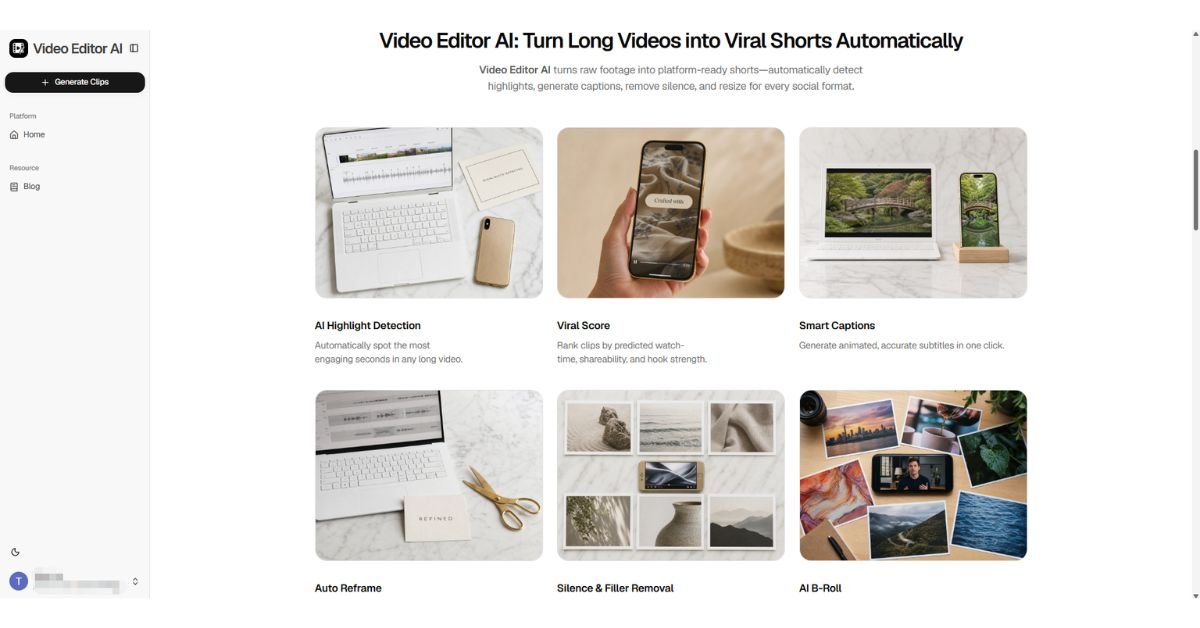
Video podcasting has exploded, but recording the episode is only half the job. The other half — cutting it down into the short clips that actually get discovered on Instagram — is where most podcast teams fall behind. Video Editor AI picks up exactly where recording ends, turning a full episode into a batch of Instagram-ready clips without anyone needing to manually scrub through the footage.
Why Instagram Matters for Podcast Growth
Podcast discovery increasingly happens outside podcast apps. Instagram Reels are one of the biggest sources of new listeners for shows that treat clipping as a core part of their release process rather than an afterthought. The shows that grow fastest usually aren’t the ones with the best audio quality — they’re the ones consistently posting clips that make people want to hear the full conversation.
The Cost of Skipping Clips
A podcast episode that never gets clipped effectively only reaches existing subscribers. Every episode that goes unclipped is a missed chance to reach someone who has never heard of the show, which compounds over time as competitors build their audience through consistent short-form posting.
From Full Episode to Reels-Ready Clips
Uploading the Raw Episode
The full video recording of the episode — camera footage, not just audio — goes in as-is. There’s no need to trim intros or outros first.
Identifying Clip-Worthy Moments
The system reviews the conversation for moments with strong potential: a strong opinion, a personal story, a moment of disagreement between hosts, or a clear, quotable answer to a specific question.
Reframing for Instagram’s Vertical Format
Podcast recordings are typically shot in landscape with hosts seated side by side. Video Editor AI reframes these into vertical 9:16 clips, tracking whoever is speaking so the active host stays centered instead of both hosts being squeezed awkwardly into frame.
Captioning for the Scroll
Instagram audiences frequently watch on mute. Captions generated directly from the episode audio are added automatically so a clip works whether or not the viewer has sound on.
What Makes a Podcast Clip Actually Work on Instagram
A Clear Opening Line
The first two seconds need to make sense without any setup, since viewers have no context from the rest of the episode when a clip appears in their feed.
A Complete Thought
The strongest clips contain a full idea — a question and its answer, a story with a punchline, a claim with its explanation — rather than an excerpt that trails off before making its point.
A Reason to Listen to the Full Episode
The best-performing clips leave viewers wanting more context, which is what actually drives them to find and subscribe to the full episode.
Building a Sustainable Clipping Routine
Clip Every Episode, Not Just the Good Ones
It’s tempting to only clip episodes that felt especially strong in the room, but some of the best-performing clips come from episodes that felt unremarkable to record. Consistent clipping removes the guesswork.
Post Clips Across Several Days
Spreading three or four clips from a single episode across the week keeps the show visible in feeds for longer than dropping them all on release day.
Track Which Topics Drive the Most Follows
Pay attention to which clips convert viewers into new followers, not just which ones get the most views, since those two metrics don’t always line up.
Common Pitfalls for Podcast Clipping
- Clipping only from the intro instead of mining the entire episode for standout moments
- Skipping captions and losing the sound-off audience entirely
- Posting a clip that requires prior episode context to make sense
- Treating clipping as optional instead of a standard part of the release workflow
Final Thoughts
Video Editor AI (https://video-editor.ai/) automates the moment-finding, reframing, and captioning work that used to make consistent clipping impractical for smaller teams — because a podcast episode’s growth potential doesn’t end when recording stops. If your show has episodes that never made it to Instagram, that backlog is your next batch of clips.
Clip your next episode with Video Editor AI: https://video-editor.ai/