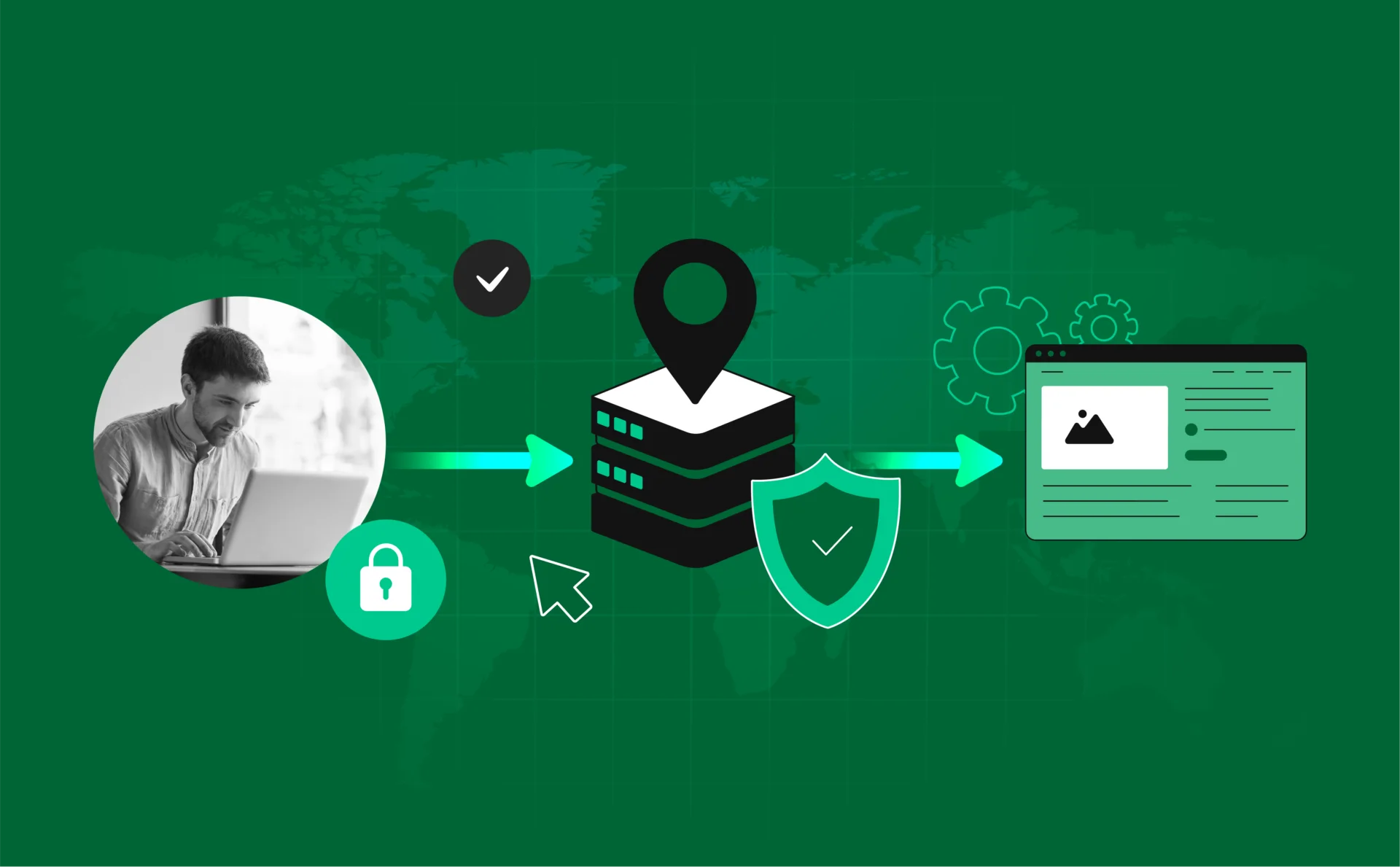
The internet is a huge, exciting place. But sometimes, you need a little privacy. Maybe you want to access a website that is blocked in your country. Maybe you are running a business and need to manage many accounts at once. For these reasons, you use a proxy.
Think of a proxy as a digital mask. It sits between your computer and the website you visit. The website sees the mask’s address, not your real one. This is great for privacy and getting around blocks. But here is the big secret: digital masks can break. A broken proxy can leak your real location, slow down your work, or even get your accounts banned.
So, how do you know if your mask is working? You need to check proxy. This is where the simple, powerful tool called a proxy checker comes in. It is your digital quality control.
What is a Proxy Checker? Your Digital Quality Control
A proxy checker is a tool that tests your proxy server to make sure it is safe and fast. It is like taking your car to the mechanic for a safety check. You would never drive a long distance without checking your tires and engine, right? The same is true for your online work. You should never rely on a proxy without checking it first.
The main job of a proxy checker is to answer three simple questions:
- Is the proxy working? (Can it connect to the internet?)
- Is the proxy safe? (Is it hiding my real IP address?)
- Is the proxy fast? (Will it slow down my work?)
If you do not check proxy performance, you are just guessing. And in the world of online business and privacy, guessing is a very risky game. A good checker gives you peace of mind and saves you from frustrating problems later on.
The Three Big Tests: What Your Checker Looks For
A professional proxy checker runs a few key tests to give you a full report. Understanding these tests is the first step to becoming an expert in online privacy.
Test 1: Anonymity Level
This is the most important test. It tells you how well your proxy is hiding you. There are three main levels, and your checker will tell you which one you have :
| Anonymity Level | What the Website Sees | Best For |
| Transparent | Your real IP address. It knows you are using a proxy. | Only for simple caching or filtering. Useless for privacy. |
| Anonymous | The proxy’s IP address. It knows you are using a proxy. | Basic privacy, but easy for websites to block. |
| Elite (High-Anonymity) | The proxy’s IP address. It thinks you are a regular user. | The best choice for serious work, like multi-accounting. |
If your checker says your “Elite” proxy is actually “Transparent,” you have a big problem! You need to stop using it right away.
Test 2: Speed and Latency
Speed matters. Latency is the time it takes for your request to travel to the proxy and back. If the latency is too high, your internet will feel slow and frustrating. A good proxy checker measures this in milliseconds (ms). If your proxy is too slow, it is not worth the trouble.
Test 3: Location and Geo-Compliance
Sometimes, you need a proxy from a specific city or country to access local content. The checker confirms the exact location of the IP address. This is vital for tasks like market research or bypassing regional blocks. If you paid for a proxy in New York but the checker says it is in Germany, you have been given a bad product.
The Power Combo: Proxy Checker + Antidetect Browser
Now, let us talk about the next level of online work. If you are a professional, you might need to manage ten, twenty, or even a hundred different accounts on the same website. You cannot do this with a regular browser. The website will see that all those accounts are coming from the same computer, and they will all get banned.
This is why people use an antidetect browser. An antidetect browser is a special tool that creates many unique digital identities. It changes your “digital fingerprint” for each account. Your digital fingerprint is made up of hundreds of tiny details about your computer: your screen size, your operating system, your time zone, and more.
But here is the catch: even the best antidetect browser needs a high-quality proxy to work perfectly. If the proxy you use is leaky or slow, it can ruin the entire setup. This is the moment you must check proxy status inside your antidetect browser environment.
The proxy checker ensures that the proxy’s details (like the IP address and location) match the fake digital fingerprint the browser has created. If the proxy leaks your real time zone, but the browser is set to a different one, the website will see the mismatch. This is called a “leak” or “inconsistency,” and it is a huge red flag for the website. The result? Your account gets flagged and banned.
Therefore, the check proxy tool is not just for basic privacy. It is an essential security layer for advanced users who rely on an antidetect browser for their business. It is the final step to make sure your digital identity is truly undetectable.
Free vs. Paid: The Emotional Cost of a Bad Proxy
We all love free things. But when it comes to proxies, “free” often means “very expensive” in the long run.
Many free proxies are run by people who want to make money from your traffic. They might inject annoying ads into the websites you visit. Worse, they might log all your activity, steal your passwords, or sell your data to other companies . The frustration of slow speeds and constant connection drops is bad enough. But the fear of a security breach is a terrible feeling.
A reliable, paid proxy is an investment in your peace of mind. And a good proxy checker is the tool that protects that investment. It helps you quickly test a new provider before you commit, saving you time, money, and a lot of stress.
How to Use a Proxy Checker: A Simple Step-by-Step
Using a proxy checker is very easy. You do not need to be a tech expert. Here is the simple process:
1. Get Your Proxy Details: You will need the IP address, the port number, and sometimes a username and password from your proxy provider.
2. Enter the Details: Go to a trusted online proxy checker tool and enter the information.
3. Run the Check: Click the button to check proxy status. The tool will instantly connect to your proxy and run the three big tests (anonymity, speed, location).
4. Read the Report: Look for the results. If the anonymity level is “Elite” and the speed is fast (low ms), you are good to go. If it shows a “Transparent” level or a different location than you expected, you must stop using that proxy immediately.
Conclusion
In the modern digital world, privacy and security are not just nice-to-haves; they are essential tools for success. Whether you are a casual user looking for privacy or a professional running an antidetect browser for your business, your success depends on the quality of your connection.
Do not rely on hope. Do not rely on promises. Always use a check proxy tool to verify your connection. It is the simplest way to ensure your digital mask is strong, your work is fast, and your online life is safe. Test your proxy, gain peace of mind, and get back to what matters most.